
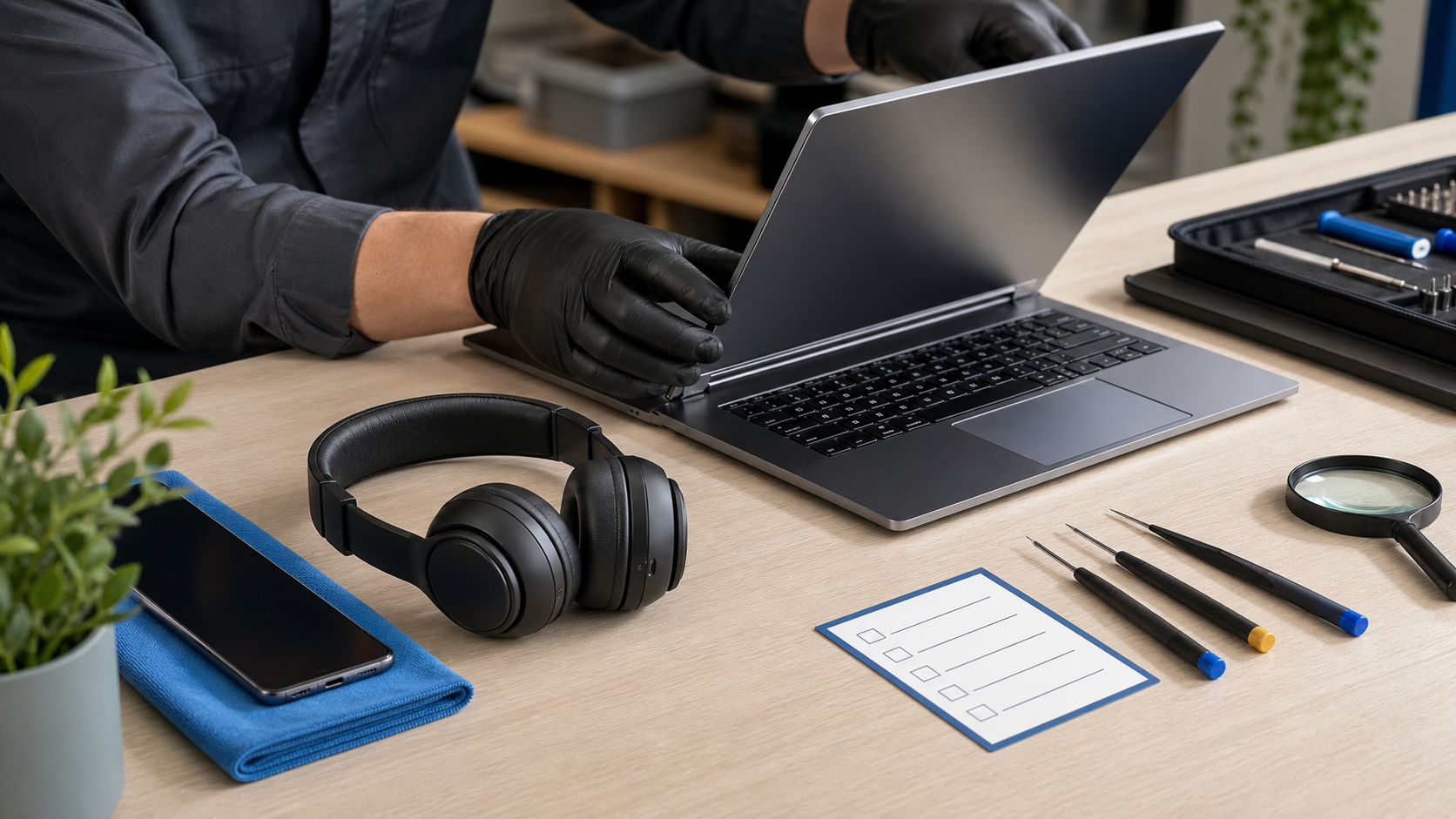
Refurbished technology can offer strong value and keep capable hardware in use. The label, however, can describe anything from a professionally tested device with a warranty to a lightly checked return.
Confidence comes from the seller’s process and policies, not from a flawless product photograph.
Understand who refurbished it
Manufacturer programs, specialist refurbishers and marketplace sellers may follow different testing standards. Look for a clear description of inspection, data wiping, repairs and replacement parts.
- Confirm that activation locks are removed.
- Check which accessories are included.
- Look for a named battery standard where relevant.
Translate the condition grade
Grades usually describe appearance more than internal health. Read the seller’s definition and inspect the actual listing for scratches, screen marks or casing wear. “Excellent” is useful only when the policy explains it.
Check support life and compatibility
A cheap device still needs a useful future
Confirm that the model receives current security updates and supports the apps, networks, ports and accessories you need. An older premium device may be less useful than a newer mid-range model.
- Verify the exact model number.
- Check storage and memory cannot be confused with a similar variant.
- Confirm regional network and charger compatibility.
Value the return window and warranty
A meaningful return period gives you time to test charging, cameras, speakers, ports, connectivity and sustained performance. Read who pays return shipping and how warranty repairs are handled.
Test immediately after delivery
Photograph the parcel and device condition, then complete a consistent test while returns remain simple. Move important data only after the hardware has passed basic checks.
Conclusion
A good refurbished purchase combines a suitable model, transparent testing, a usable battery, clear returns and real warranty support. Compare the complete package rather than choosing the lowest price alone.